On-screen keyboards: real keylogger protection or a rudiment?

Open the advanced options on some login screens and you'll still find a toggle: "Show on-screen keyboard". You click letters with your mouse instead of typing them, and the idea is that a keylogger recording your keystrokes captures nothing.
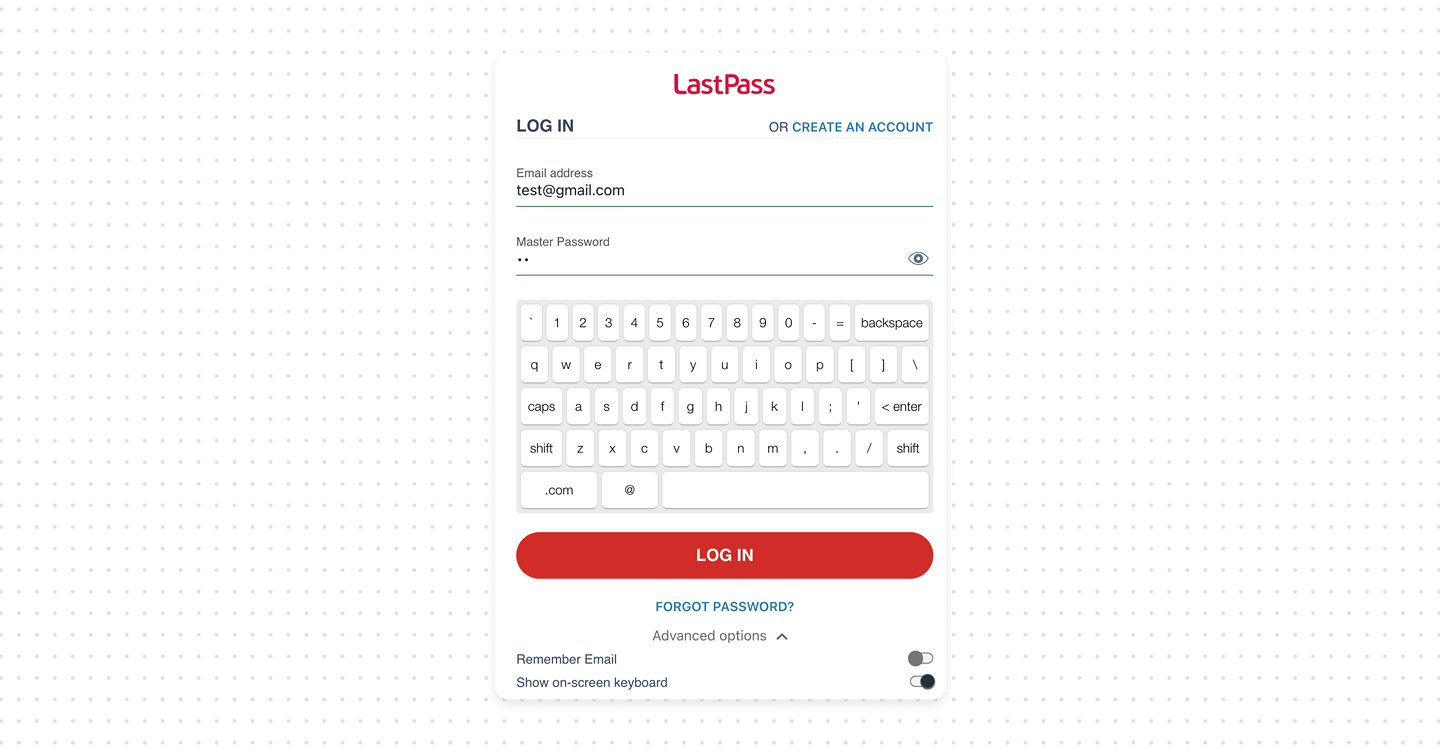
It's a reasonable idea for the threat it was designed against, more than a decade ago. The question worth asking in 2026 is whether that threat is still the one we're defending against, or whether the control has quietly become a rudiment.
What actually protects credentials today
- Phishing-resistant MFA and passkeys. A passkey has no shared secret to log, screenshot, or grab. There is simply nothing for a keylogger to capture. This is the real successor to the on-screen keyboard's job.
- A password manager with autofill. Long random passwords filled by domain match resist both keyloggers and phishing far better than anything a user types (on-screen or not).
Bottom line
The on-screen keyboard isn't harmful, but it is largely a rudiment. It defends against a threat that modern malware routinely bypasses, while adding friction and, on a password manager, working against autofill. Real keylogger resistance today comes from passkeys, MFA, and password managers, not from virtual keyboards.
The original threat model was specific: a software or hardware keylogger that records keystrokes on the machine. If you never press a physical key, the logger has nothing to record.
Keystroke logging is one way credentials get stolen and easy to bypass. Banking trojans added screen and mouse-region capture specifically to defeat on-screen keyboards – the Zeus family did exactly this years ago, taking a small screenshot around each click. If the attacker can see where you click, the on-screen keyboard buys you nothing.
Modern attacks rarely target keystrokes. Form-grabbing and man-in-the-browser malware capture passwords from fields or intercept submissions, regardless of how you enter them.
There's a second, more ironic problem on a product like a password manager: an on-screen keyboard pushes users toward typing passwords by hand. That discourages long, random, autofilled passwords – which is the actual protection a password manager exists to provide.