Designing link previews without leaking IP addresses

When someone shares a link in a chat, most products try to make it easier to understand. Instead of showing a long URL, they generate a preview with the page title, description, and image. This is especially useful for links with URLs that tell you almost nothing about the actual content.
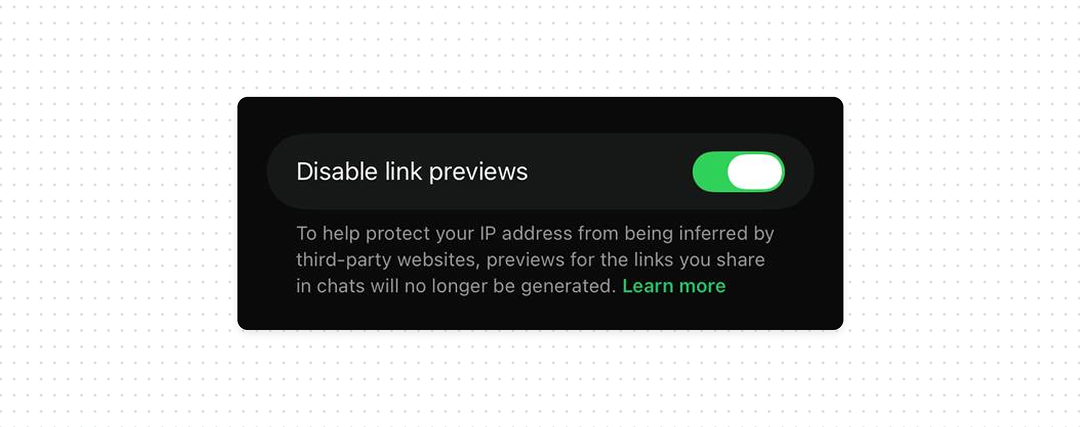
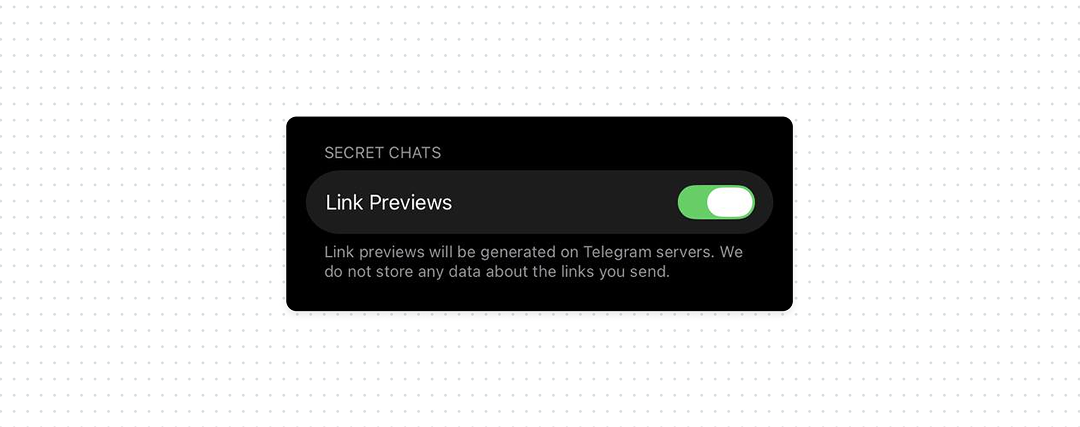
But there is something happening behind the scenes that users don’t see. To generate a preview, someone has to fetch information from the website. Depending on how the product implements the feature, that request can come directly from the user’s device. And when a user’s device connects to the website, the website can see the user’s IP address. That’s why products that generate link previews should give users a clear way to disable them.
What good UX looks like
- Prefer privacy-preserving preview generation. Use a proxy or server-side architecture that prevents the destination website from receiving the user’s IP address.
- Let users disable link previews. Make the setting easy to find and explain why it exists.
- Explain the privacy impact. Tell users that generating a preview may require a connection to the website behind the link.
Bottom line
Link previews can trigger a network request before the user opens a link. Give users control over whether that request happens, explain the privacy trade-off, and avoid exposing their IP address when generating previews.
To create a preview, the product fetches data from the URL, usually the title, description, and image.
If this request is made directly from the user’s device, it goes to the destination website, which receives the user’s IP address like any normal connection. This allows the website owner to log the IP of anyone who triggers a preview, even without opening the link.
An attacker can exploit this by sending a link to a server they control. When the messenger generates a preview, the attacker’s server receives the request and logs the IP. No click is needed, the preview request alone is enough.
If previews are generated via a server or privacy-preserving proxy, the destination sees the proxy or server IP instead of the user’s. That’s why preview architecture matters as much as the UI control.